Operations dashboard
Sidebar pillars, four cosy stat tiles and a soft trend curve - all calm, all yours.
Whether you run a condo, a clubhouse, or a community - HOMESERVA keeps everyone happy. Pay fees from your phone. Book the BBQ pit. Pre-register Raya guests with a QR. Walk into the lobby with a smile (it unlocks with your face).
One platform replaces the spreadsheet, the separate booking app, the visitor logbook and the standalone access-control panel most communities juggle today - so residents get one login, and management gets one dashboard instead of four.
Free to explore. No credit card. We'll set it up with you.

Less paper. Less waiting at the guard house. Less awkward group-chat reminders. Just a calm app that handles the boring stuff so your community can enjoy the fun stuff.
FPX, card, e-wallet - straight from the app. Receipt auto-sent.
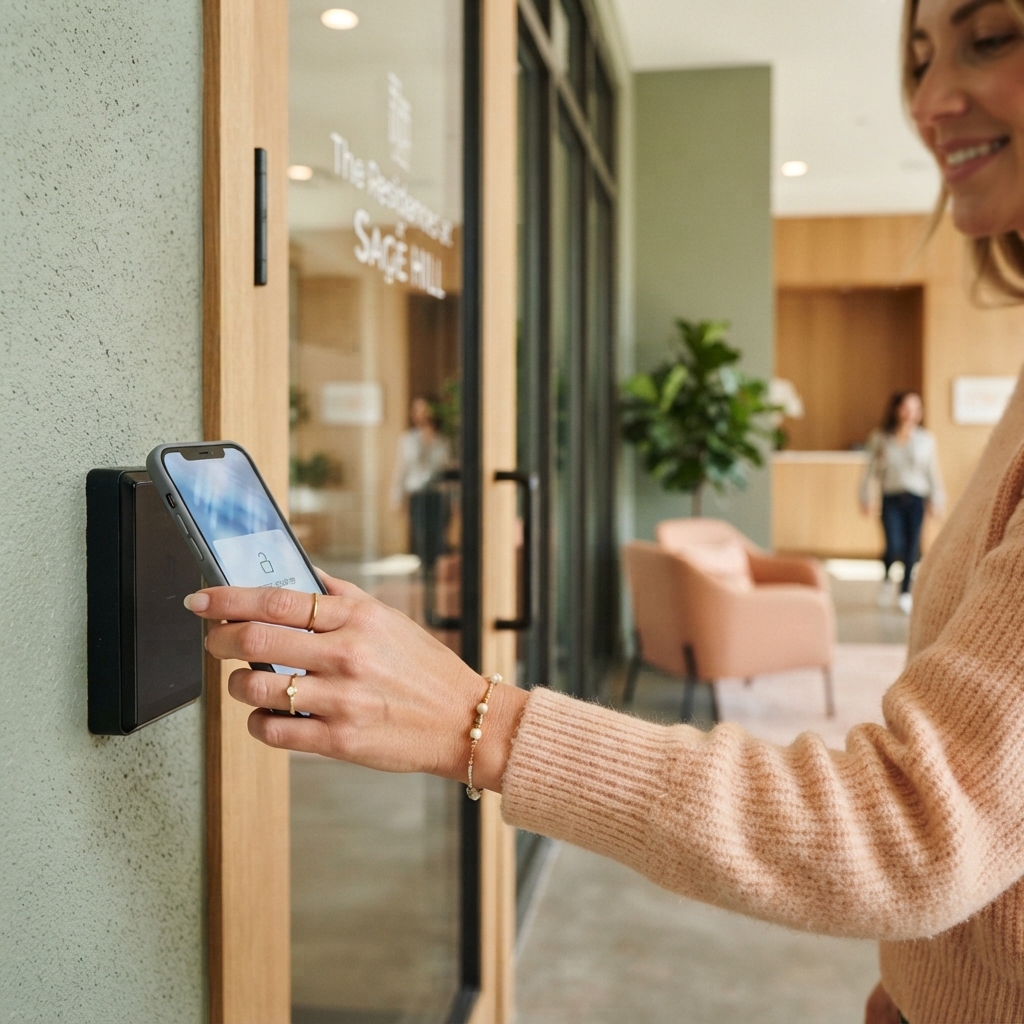
Lobby, lift, your floor. No card to fumble - your kids and parents will love it.
A real picture, real time. No more "did it actually arrive?" panic.
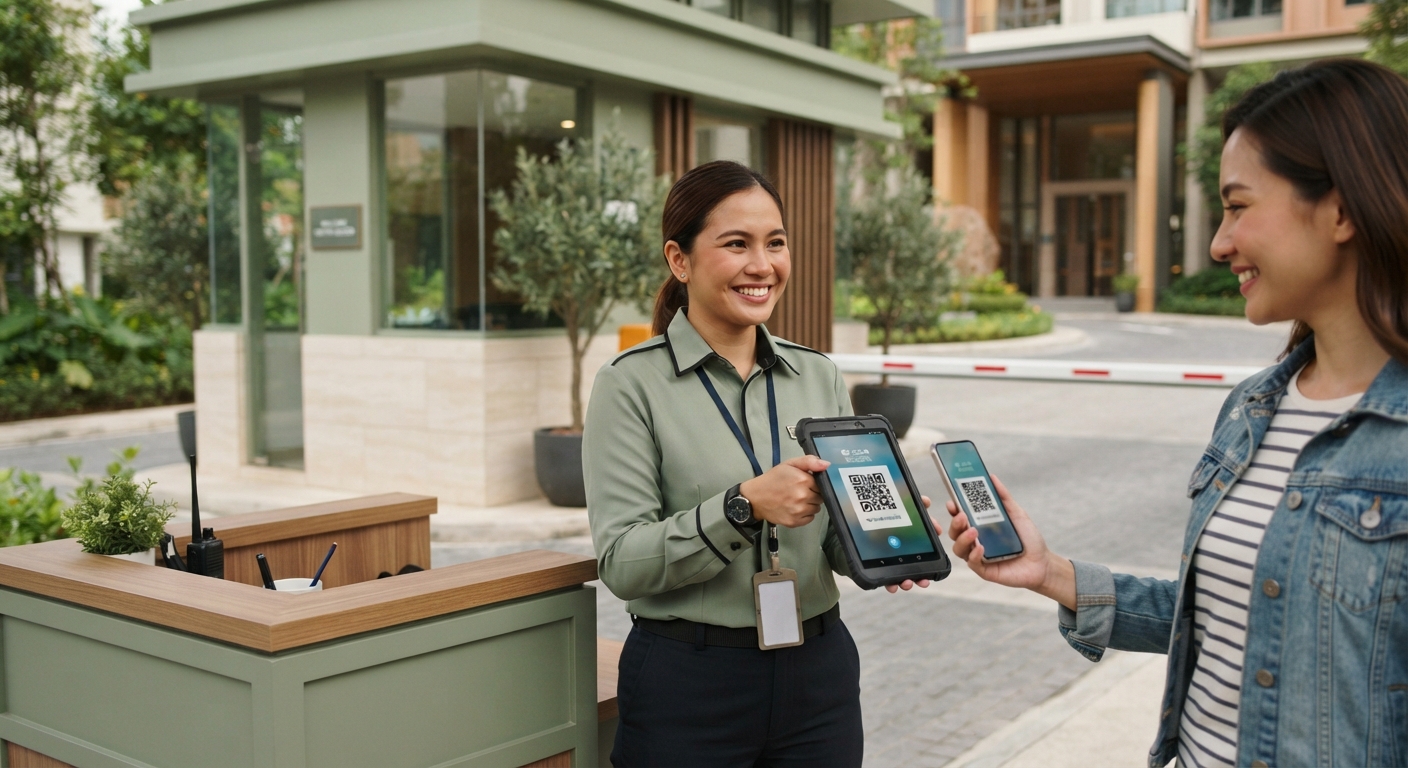
Send a QR before they arrive. Guard scans, gate opens, you stay in your slippers.

We're not asking you to take our word for it. Here's how HOMESERVA compares to WhatsApp-and-spreadsheets and to off-the-shelf community-app vendors you might already be using.
| What you need | HOMESERVA | WhatsApp + spreadsheets | Off-the-shelf community-app vendor |
|---|---|---|---|
| e-Invoice (MyInvois) compliance | Built in, real-time validated | Manual upload, error-prone | Add-on or unsupported |
| Automation (automation + rule engine) | Minute-level automation, configurable | Manual reminders | Limited to one domain |
| AIoT / access control | Native: face, plate, RFID, lift | None | Vendor-locked |
| Multi-property management | One operator, many properties | Separate files per property | Per-license, separate logins |
| Mobile app for residents/customers | Friendly, branded per property | Not available | Often desktop-only |
| Real-time dashboards | Live ops console | Static spreadsheets | Daily exports |
| Audit trail of every change | Yes, time-stamped | Whoever last saved | Limited |
| Payment automation | FPX, card, e-wallets via Xendit | Bank-in slips | Single gateway |
| Integrations (AutoCount middleware, MyInvois, Xendit, public REST API) | All native | Manual re-entry | Pick one |
| Support response | 24/7 WhatsApp · P1 in 1h | You email yourself | Email tickets, days |
Not a perfect fit for every property - talk to Patrick and we'll tell you straight if HOMESERVA isn't right for yours.
Residents, committee and guards on the same simple app - fees, bookings, visitors and chat, all in one happy place.
Six soft-cornered glimpses of the actual product, drawn in the same friendly palette as the rest of HOMESERVA.
Sidebar pillars, four cosy stat tiles and a soft trend curve - all calm, all yours.
A sage-trimmed invoice with the green MyInvois Validated sticker right where the eye lands.
Three friendly cards: pay invoice, book BBQ pit, send a visitor QR. That is the whole app.
Last eight swipes with little face circles, timestamps and a status sticker beside each one.
A week × hour calendar where free is sage, taken is peach and your slot is highlighted in cream.
Eight devices - cameras, lifts, locks, lighting - each with a calm online / syncing pill.

Interactive HOMESERVA community operations dashboard. It shows five live KPIs - fees collected as a percentage, bookings this week, visitors today, open complaints and parcels waiting - together with a seven-day bookings-by-day bar chart and a fees-collected donut. Date-preset buttons (Today, This week, This month, Last month) re-scope every number. The figures are computed by HOMESERVA's reporting from collections, bookings, visitor and complaint records.
Saturday is the peak - the BBQ pit and function room fill first. The utilisation report turns this into cut-off and deposit rules.
The collection-rate ring drives your cashflow and sinking-fund view. Anything below target feeds the dunning cascade.
A live activity ticker cycling through recent community events: a maintenance fee paid by FPX, a guest pre-registered with a QR pass, a BBQ pit booked, a parcel delivered to a locker, a complaint resolved, and a face-recognition access event at the lobby.
Pools, function rooms and courts on a live grid - fair slots, gentle deposits and instant receipts, so everyone gets a turn.

Interactive clubhouse facility booking grid. Columns are the seven days of the week; rows are the hourly slots from 5 PM to 10 PM. Tap a free slot to tentatively hold it, tap again to confirm a booking, and tap once more to release it. Slots already taken by other residents are locked. The Saturday 8 PM and 9 PM slots and the Friday 7 PM slot are pre-booked.
Every confirmed slot writes an immutable change-history record, so a disputed booking is settled on evidence - not on who shouted loudest in the group chat. Public-holiday rules and per-resident monthly caps apply automatically.
Interactive mockup of the HOMESERVA resident mobile app. A phone frame shows five screens swapped by a bottom navigation bar with five buttons: Home, Pay, Book, Visitor and Parcel. The Home screen lists the current account balance of RM 286.00, an unpaid maintenance-fee invoice, a parcel waiting for pickup, and an upcoming BBQ booking. The Pay screen shows the maintenance-fee invoice for RM 286.00 with a choice of FPX, card or e-wallet payment and a Pay button that confirms with a Paid tick. The Book screen lets the resident pick a clubhouse facility time slot. The Visitor screen pre-registers a guest and shows a QR pass valid for a time window. The Parcel screen shows a parcel held in locker B-14 with a one-tap collect action. Illustrative data.
Tap a green slot to hold it, tap again to confirm. Cut-off & deposit rules apply automatically.
The same system your management office runs, invoicing, bookings, visitor passes and lockers, wrapped in an app residents actually open. Tap Pay and watch a fee clear. The receipt is emailed and the invoice is MyInvois ready.
Illustrative data - your real numbers come from your own ledger.
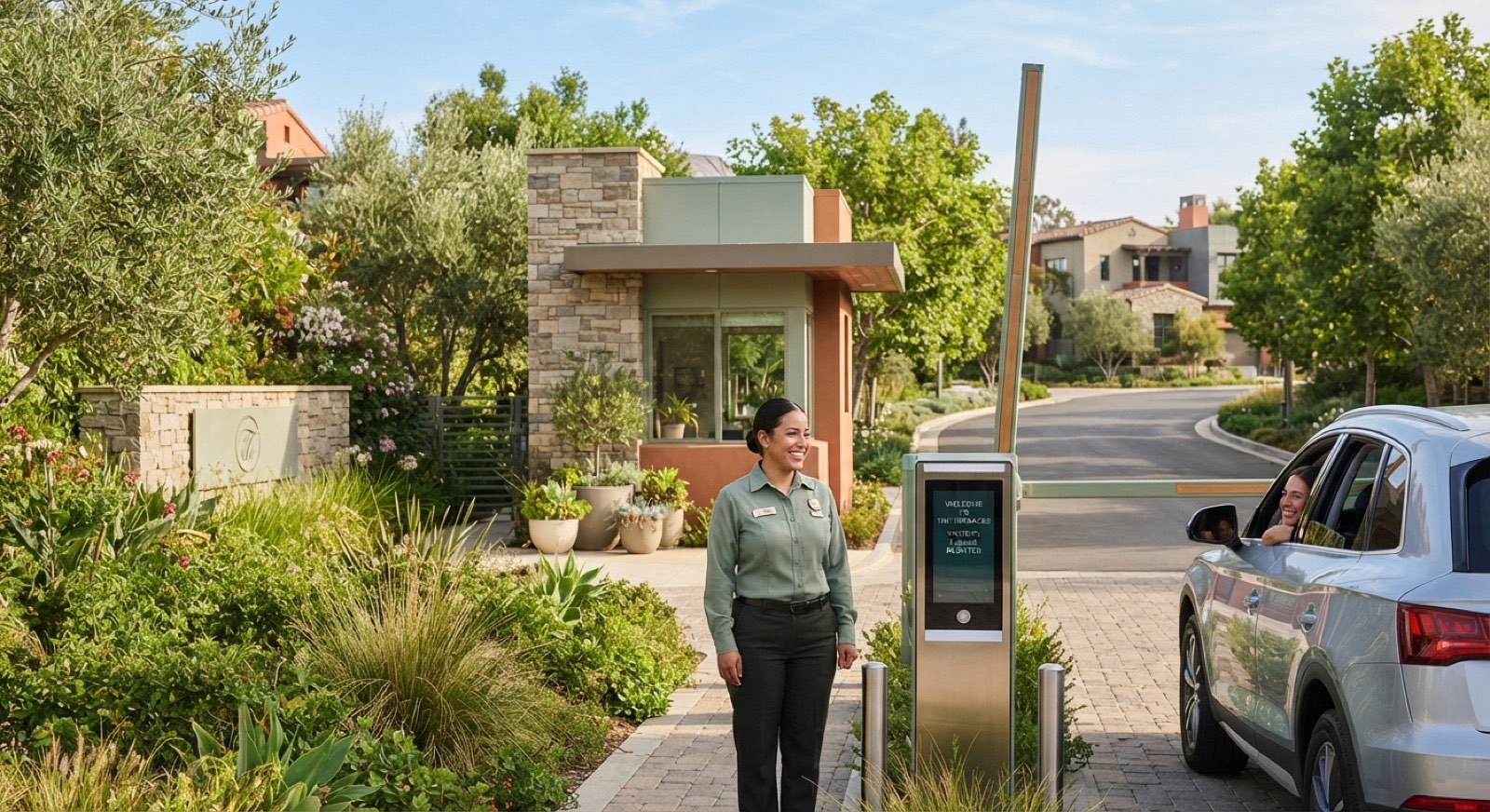
Pre-register visitors with a QR, unlock the lobby with your face, and let the guardhouse see exactly who’s expected - every entry logged.
Animated four-step visitor pre-registration flow. Step one: a resident fills in the guest name and arrival time window. Step two: a QR visitor pass is issued, valid for the chosen window with named access points. Step three: the guard scans the QR at the gate and the pass is verified. Step four: the boom gate lifts and the guest is admitted. The animation auto-advances and can be replayed.
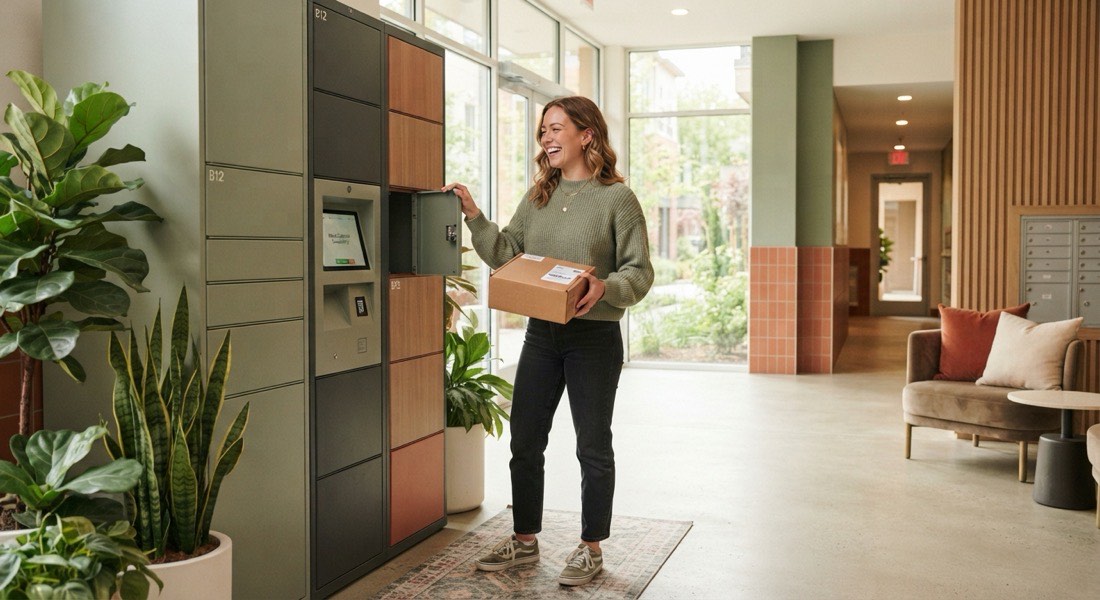
Interactive parcel locker wall mockup. A grid of fifteen lockers, each labelled, shows their state: most are empty, some hold parcels for other residents. When a parcel arrives, locker B-14 pulses to signal it is waiting for you. Tapping the pulsing locker opens its door with an animation and a notification confirms you have collected your parcel from locker B-14; the locker then returns to empty for the next delivery.

HOMESERVA e-invoice flow, five stages: Draft, MyInvois validate, Submit to LHDN, Cleared, and Paid. Each invoice is built as a UBL 2.1 JSON document, validated against the MyInvois portal, submitted to LHDN, and on clearance returns a UUID and QR before the resident pays. Walk-in residents without a tax identification number use the LHDN-prescribed the walk-in TIN. The connector runs in sandbox first, then production.
Each charge is built into the exact format LHDN asks for, with the line items, the tax, both tax numbers and the right industry code, then checked before it is issued. Nothing leaves the building until it passes.
A resident or guest without a tax number is billed using the official walk-in code, so a one-off facility charge or deposit still clears cleanly. We run it in test mode while you settle in, then switch it to live.
On a validation failure, the invoice waits in a "needs attention" queue with the exact LHDN message attached - you fix the data and resubmit in one click.




Six code-verifiable facts about HOMESERVA - derivable from the source, not marketing telemetry.
Architectural constants from the HOMESERVA codebase - not per-property telemetry. Patrick will share specifics for your case.
Your chairman, treasurer and manager open the same board and stop arguing about which spreadsheet is right.
| Bucket | Units | Amount | Next action |
|---|---|---|---|
| Current | - | RM 5,840 | On track |
| 1-30 days | 9 | RM 3,420 | Reminder sent |
| 31-60 days | 4 | RM 2,460 | 2nd letter |
| 60+ days | 2 | RM 1,380 | 3rd letter |
Pick a date range, scan the gate log, export to your committee - all in one calm place.
| No. | Checked-In | Visitor Pass No. | Visiting Property | Visitor | Mobile No. | Vehicle Plate No. | Valid Until | Checked By | |
|---|---|---|---|---|---|---|---|---|---|
| 1 | 22-May-2026 6:12 PM | VP-2026-04418 | A-12-04 | Lim Wei Sheng | +60 12-345 6789 | WXY 8842 | 22-May-2026 11:00 PM | Guard Rosli | ⋯ |
| 2 | 22-May-2026 5:48 PM | VP-2026-04417 | B-08-11 | Nurul Ain binti Hassan | +60 13-882 1190 | No Vehicle | 22-May-2026 9:00 PM | Guard Rosli | ⋯ |
| 3 | 22-May-2026 3:30 PM | VP-2026-04415 | C-03-02 | CoolAir Aircond (contractor) | +60 16-771 4023 | VBA 1209 | 22-May-2026 6:00 PM | Guard Devan | ⋯ |
| 4 | 22-May-2026 1:05 PM | VP-2026-04412 | A-05-09 | Tan Mei Ling | +60 17-204 9981 | PKL 5570 | 22-May-2026 5:00 PM | Guard Devan | ⋯ |
| 5 | 22-May-2026 12:40 PM | VP-2026-04410 | D-15-03 | GrabFood courier | +60 11-2098 3344 | JKL 7781 | 22-May-2026 1:10 PM | Guard Rosli | ⋯ |
| 6 | 22-May-2026 11:18 AM | VP-2026-04408 | B-21-07 | Siti & family (4) | +60 19-660 2215 | WWA 3320 | 22-May-2026 4:00 PM | Guard Meena | ⋯ |
| 7 | 22-May-2026 10:02 AM | VP-2026-04405 | A-18-02 | Pos Laju despatch | +60 12-908 6677 | No Vehicle | 22-May-2026 10:30 AM | Guard Meena | ⋯ |
| 8 | 22-May-2026 8:55 AM | VP-2026-04401 | C-09-12 | Raj Kumar | +60 14-339 5512 | BNN 1042 | 22-May-2026 12:00 PM | Guard Meena | ⋯ |
Auto-hides any task that reads zero - just like the real dashboard.
Each row mirrors the real dashboard’s phrasing and only appears when its count is above zero - so the office sees exactly what still needs a hand today.
Maintenance, sinking fund, water, booking deposits - the invoice list HOMESERVA keeps for each home, with filter tabs for what is paid, unpaid or overdue. Click a row's filter to narrow the list right here.
| No. | Issued On | Due Date | Document No. | Invoice | Payable | Paid | Balance | ||
|---|---|---|---|---|---|---|---|---|---|
| 1 | 01-May-2026 | 15-May-2026 | INV-00041 | Maintenance ChargeMay 2026 · RM 0.33/sq ft | 320.00 | 320.00 | 0.00 | ⋯ | |
| 2 | 01-May-2026 | 15-May-2026 | INV-00042 | Sinking FundMay 2026 · statutory 10% | 32.00 | 32.00 | 0.00 | ⋯ | |
| 3 | 01-May-2026 | 15-May-2026 | INV-00043 | Water ChargeApr read · 14 m³ | 41.20 | 0.00 | 41.20 | ⋯ | |
| 4 | 03-May-2026 | 10-May-2026 | INV-00051 | Facility Booking DepositFunction Hall · 17-May | 150.00 | 150.00 | 0.00 | ⋯ | |
| 5 | 01-Apr-2026 | 15-Apr-2026 | INV-00029 | Maintenance ChargeApr 2026 · carried forward | 320.00 | 0.00 | 320.00 | ⋯ | |
| 6 | 16-Apr-2026 | 30-Apr-2026 | INV-00037 | Late Payment Interest1.5% on overdue balance | 4.80 | 0.00 | 4.80 | ⋯ | |
| 7 | 01-May-2026 | 15-May-2026 | INV-00044 | Water Chargepart-paid · balance left | 38.60 | 20.00 | 18.60 | ⋯ | |
| 8 | 02-Apr-2026 | 16-Apr-2026 | INV-00031 | Sinking FundApr 2026 · statutory 10% | 32.00 | 32.00 | 0.00 | ⋯ | |
| 9 | 05-May-2026 | 19-May-2026 | INV-00057 | Facility Booking DepositBBQ Pit · 24-May | 80.00 | 0.00 | 80.00 | ⋯ |
Balance is computed as Payable minus Paid - the same SQL aggregation the software runs for every statement. Paid in green, money owing in your alert tone. Powered by VYROX AI.
The members register your committee already keeps - who joined, which plan, days remaining, deposit and fee - laid out the same way the software lists it, just dressed in HOMESERVA colours.
| No. | First Joined | Customer Account ID | Membership ID | Member | Subscribed Membership Plan | Days Remaining | Deposit | Membership Fee | Start Date | Expiry Date | |
|---|---|---|---|---|---|---|---|---|---|---|---|
| 1 | 12-Jan-2024 | CA-100412 | MB-0412 | Lim Wei ShengA-12-04 | Resident Standard | 235 | 320.00 | 120.00 | 13-Jan-2026 | 12-Jan-2027 | ⋯ |
| 2 | 03-Mar-2023 | CA-100388 | MB-0388 | Nurul AinaB-08-11 | Resident Premium | 12 | 500.00 | 240.00 | 04-Mar-2026 | 03-Mar-2027 | ⋯ |
| 3 | 21-Sep-2022 | CA-100201 | MB-0201 | Tan Mei LingC-03-02 | Resident Standard | 312 | 320.00 | 120.00 | 22-Sep-2025 | 21-Sep-2026 | ⋯ |
| 4 | 07-Jul-2025 | CA-100590 | MB-0590 | Rajesh KumarA-05-09 · tenant | Tenant | 47 | 650.00 | 0.00 | 08-Jul-2025 | 07-Jul-2026 | ⋯ |
| 5 | 15-Nov-2024 | CA-100503 | MB-0503 | Goh Jia HuiD-14-07 | Resident Premium | 178 | 500.00 | 240.00 | 16-Nov-2025 | 15-Nov-2026 | ⋯ |
| 6 | 29-Feb-2024 | CA-100456 | MB-0456 | Faridah HassanB-02-03 | Resident Standard | 283 | 320.00 | 120.00 | 01-Mar-2026 | 28-Feb-2027 | ⋯ |
Days Remaining counts down to expiry so renewals never sneak up - the platform can nudge a reminder seven days before. Powered by VYROX AI.

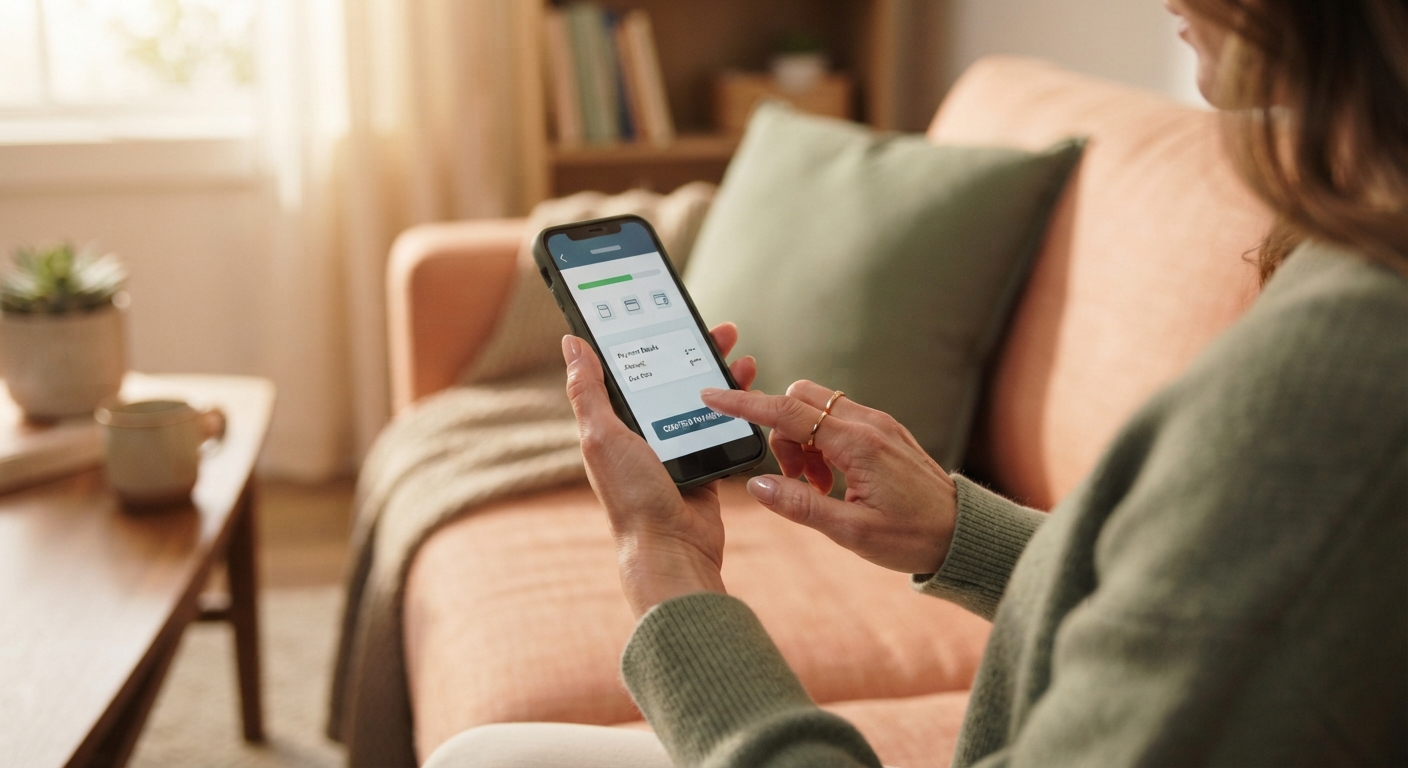
Pay fees, track parcels, raise a complaint, read the noticeboard and call for help - all from the sofa, all in a few taps.
The same complaints & suggestions list your committee already works, with the real filter tabs - Pending Acknowledgement, Processing and Resolved - an outstanding-days counter, and the little neighbour Like widget so popular issues float to the top.
| No. | Submitted | Unit | Complainant | Category | Title | Outstanding (Day) | Neighbours | |
|---|---|---|---|---|---|---|---|---|
| 1 | 20-May-2026 | A-12-04 | Lim Wei Sheng | Plumbing | Lobby tap drippingNew | 2 | ||
| 2 | 19-May-2026 | C-03-02 | Tan Mei Ling | Lift | Block C lift jerkyNew | 3 | ||
| 3 | 19-May-2026 | B-08-11 | Nurul Aina | Cleanliness | Rubbish chute smell L8New | 2 | ||
| 4 | 18-May-2026 | D-14-07 | Goh Jia Hui | Lighting | Car park L2 lamp outNew | 4 | ||
| 5 | 16-May-2026 | A-05-09 | Rajesh Kumar | Security | Gate barrier slow at peakProcessing | 2 | ||
| 6 | 15-May-2026 | B-02-03 | Faridah Hassan | Facilities | Gym treadmill #2 faultProcessing | 1 | ||
| 7 | 10-May-2026 | C-09-05 | Wong Kah Meng | Plumbing | Pool pump leakCompleted | 0 | Resolved | |
| 8 | 08-May-2026 | A-03-12 | Siti Aishah | Noise | Renovation past hoursCompleted | 0 | Resolved |
Status maps to the real labels New, Processing and Completed; Acknowledge moves a new complaint into Processing, Resolved closes it - every step lands in the audit trail. Powered by VYROX AI.
A resident taps SOS and picks the help they need - Security Guard, Ambulance, Police or Fire Fighter. The guard sees it instantly, Acknowledges, then marks Completed, with the response time captured for the record.
The flow is the real one: status 0 shows Acknowledge, status 1 shows Completed, and response time is measured from raised to attended - the dashboard also counts SOS in progress. Powered by VYROX AI.
Scan a QR, wave a patrol checkpoint, acknowledge an SOS - without juggling four apps and a paper book.
| Visitor | Host unit | Valid window | Status |
|---|---|---|---|
| Lim & family (4) | A-12-04 | 22-MAY 18:00-23:00 | QR validated |
| GrabFood courier | B-08-11 | 22-MAY 19:10-19:40 | At gate |
| Aircond contractor | C-03-02 | 22-MAY 09:00-12:00 | Permit check |
| Unknown vehicle WXY-1234 | - | - | Hold · verify |
No active emergencies.
Management posts once; residents see it in the app, and the committee sees exactly how many actually read it.
Supply to Blocks A & B will pause briefly. Please store water in advance.
Agenda, last year’s minutes and the audited accounts are attached in Files.
RSVP in the events tab - 96 neighbours already going.
Stroller (lightly used) · Home-baked kuih orders · Tuition for SPM Add-Maths.
Resident-to-resident
Tap a question. The answer is built straight from the numbers your reports compute - honest, friendly, and exportable.
| Unit | Days | Balance | Cascade |
|---|---|---|---|
| D-05-09 | 74 | RM 760 | 3rd letter sent |
| D-11-03 | 63 | RM 620 | 3rd letter sent |
Source: arrears aging buckets + dunning cascade log. Export to PDF for the committee.
BBQ pit and function room are fully booked Sat 6-10pm; courts have idle weekday mornings worth promoting. Utilisation comes from the facility-utilisation report (by facility, by hour).
Suggest a Saturday deposit rule| Ticket | Category | Age | Status |
|---|---|---|---|
| #2041 | Lift B noise | 3d | SLA breach |
| #2048 | Corridor light | 2d | In progress |
| #2052 | Leak · L3 | 9h | Assigned |
Source: complaints + helpdesk SLA queue, ordered by oldest-waiting.
The automation run drafts each invoice; the e-Invoice engine submits the UBL 2.1 JSON to LHDN; any rejection lands in a “needs attention” queue with the error attached. Nothing leaves your books in an invalid state.
VYROX AI is the AI that specialises in business operation management together with IoT. Here it reads and automates the operational reports HOMESERVA already produces - it is operational intelligence over your real data, not a predictive model.
No machine learning, no magic - just dependable scheduled jobs you can switch on and off.
Generates management-fee, sinking-fund and rental invoices in batch, then submits each to MyInvois.
the maintenance-fee run · the sinking-fund run · the rental-invoice run
Friendly nudge fires 7 days before the invoice due date so residents pay on time.
the reminder engine
First overdue letter the day after a missed due date.
the reminder engine
Escalating letters at day 31 and day 61 - the committee only handles the residual exceptions.
the reminder engine
Renewal invoice drafts ~30 days before a paid plan lapses.
The renewal process
Time-limited amenities (laundry, BBQ) stop and bill automatically when the window ends.
the scheduler
Unpaid or lapsed bookings are auto-cancelled so the calendar frees up.
the scheduler
AIoT devices are pinged for uptime; intrusion-photo files are purged on a schedule.
the device-health monitor

HOMESERVA day-in-the-life playbooks: a tabbed walkthrough of three real scenarios. Month-end close - the scheduler run drafts management-account and sinking-fund invoices, validates them against MyInvois, emails PDFs with FPX/e-wallet links, and runs the dunning cascade. Festive parcel rush - a courier drops a parcel into a smart locker, the resident receives a tap-to-open notification and one-time QR, collects it, and any uncollected parcel is flagged as an overstay. A 2am incident - a resident SOS reaches the guard PWA, the access feed shows the matching face, plate and lift events for the timestamp, the guard logs a patrol round and closes the incident, and every step is written to the audit trail. All steps are grounded in real platform behaviour, not a forecast.

Try it - tap Approve or Reject on any row below.
HOMESERVA unified approvals queue: four pending sign-offs - a new-tenant move-in for unit A-08-03 with lease and IC uploaded, a payment proof of RM 720.00 for B-12-01, a function-room booking request with deposit paid, and a BBQ booking-change request. Each row offers Approve and Reject actions; the decision posts to the ledger or booking record and is written to the audit trail, so the committee reviews only the exceptions rather than every transaction.

Pulled straight from the feature settings → feature settings - no marketing fluff.
Each toggle maps 1:1 to a row in feature - flip it on per property, leave the rest off. You only pay for what you turn on.

HOMESERVA is the one app your community actually uses - residents pay fees, book BBQ, pre-register guests, unlock with face. Security and management see the other side of the same screen. Tap a card to peek inside.
Residents see the friendly app. JMB / MC sees a calm operations console - collections, occupancy, security events, MyInvois status, IoT health - all in one tab. No spreadsheets emailed at midnight.

No rip-and-replace. We connect to most cameras, controllers and gateways.
HOMESERVA is wired into Malaysia's national e-invoice scheme. Every B2B invoice is built as a UBL 2.1 JSON payload, validated in real time, returned with a sharing URL, and supports walk-in buyer fallback (TIN the walk-in TIN), the full MSIC code list, credit notes, consolidated invoices and corrections. Sandbox and production environments are both supported, so you can test end-to-end before flipping the switch.
Multi-method payment gateway. Confirmed methods in code: QR payment, credit / debit card, and Direct Debit. Built-in failover, refunds and webhook reconciliation mean your accounts stay in sync without manual matching.
Bidirectional sync via the hosted VYROX-AutoCount-Connector middleware (Bearer-token auth) - invoice, payment, cancel and undo flows are pushed end-to-end. Run HOMESERVA accounting on its own, or keep your accountant on AutoCount and let HOMESERVA push transactions across.
Invoices, statements, payment receipts, password resets and one-time codes are emailed via our email service from your own domain. (WhatsApp is how you reach Patrick - it is a sales channel, not a system feature.)
Generic IP cameras (HTTP snapshot and event ingest, brand-agnostic), MIFARE-compatible RFID smart-card readers, face cameras, ANPR / license-plate cameras and SIP-style intercoms - all glued together by the SmartFACE / SmartVE / SmartINTE modules.
Relay-based and IP-controlled hardware on both low-voltage and high-voltage paths. Brand-agnostic - we integrate lift controllers, parking-lock controllers, smart lighting, smart mirrors (secure access codes) and TCP-controlled delivery lockers. The QR portal pages are a printable property-QR landing surface, not a hardware protocol - door and locker tokens are issued through the standard QR-key system.
Documented in our developer API reference - visitor management, EV charging deposit and session, sub-account, announcements, bookings and more. Bring your own dashboards, BI tools or integrations.
Device-protocol traffic between HOMESERVA and the AIoT layer is encrypted with SM4, a 32-round Chinese block cipher - the same cipher class used in industrial smart-locks and access controllers.

Four friendly journey moments along a calm path. Patrick walks the whole way with you.
Patrick on-site or via video. We map your operations to HOMESERVA modules and bulk-import customers, units, contracts and outstanding balances.
Set rates, fees, MyInvois TIN, payment gateway, branding and role-based accounts. Hands-on training across 2-3 sessions.
Pair access devices, cameras and lifts. Roll out the resident/customer app. Parallel-run alongside the old system.
Old system retired. Quarterly reviews. New modules added as the community grows.
Eight typical operations we serve. Pick yours and see exactly which modules help most.
JMBs and MCs juggle owners, tenants, contractors and a budget that gets scrutinised every AGM. Their biggest pain is fee collection and visitor jams at the boom gate.
Capability: pre-registered QR passes cut the guard-house step to a single scan; auto-billing plus dunning reminders chase arrears without human intervention.
Residential towers above a retail podium share access, parking and security, but each tenant type has different rules. Coordinating them by hand is a nightmare.
Capability: one access policy spans residential, retail and podium tenants - feature flag[] gates per-property module visibility while role privileges enforce capability page-by-page.
Member dues, court bookings, coach schedules and a clubhouse F&B usually live in 4 separate tools. Members hate the friction; managers hate the reconciliation.
Capability: bookings move from phone calls to a real-time calendar with cut-off, deposit and max-per-month rules - utilisation reports surface idle slots so committees can re-price them.
Class passes, recurring memberships, locker access and PT bookings need one consistent member ID. Manual sign-ins kill front-desk time.
Capability: SmartFACE entry and amenity QR self-check-in replace manual sign-in books - the front desk handles exceptions, not the queue.
EV bays, visitor lots and reserved parking each have different rules. Without a system, you get charger squatters and angry residents.
Capability: EV-bay billing plus paid-parking overstay rules plus wheel-clamp release capture revenue that previously walked out of the carpark.
Landed communities want the same convenience as condos - visitor QR, fee collection, security - without a giant guard-house budget.
Capability: every ticket carries a priority, a status and a named owner, and anything past its response time rises to the top of a queue so the longest-waiting items are visible rather than buried in a phone log.
Tenants in a podium need to bill rent, utilities and CAM, take member promotions, and reconcile their till with the building's accounts.
Capability: member-charge from the resident app settles against the household statement via `acc_bal` - F&B accepts charges without a separate till reconciliation.
Clubhouses run BBQ pits, function rooms, courts, kids rooms and a café - all of which compete for the same calendar.
Capability: the platform enforces overlap rules at the database layer; the booking-change request flow records every amendment with an audit trail rather than living in a group chat.

Wherever your community keeps its records today, the move to HOMESERVA is a soft slope - not a cliff.
We import customers, units, contracts, fees and outstanding balances from CSV or Excel during Week 1. Patrick reads the file with you, fixes the small mismatches (extra columns, weird date formats, mixed currency), and runs a dry import you can review before the real one. The classic pain points - duplicated owners, missing TINs, balances that no longer reconcile - surface in a friendly issues list, not in midnight panic.
Paper records become a calm digital onboarding workflow. Past invoices and contracts can be photographed and OCR-extracted into structured rows; new residents self-register through the app with optional management approval. The first month runs softly - guards still keep the paper book while the system shadows them - so nothing slips while everyone learns the new rhythm.
Bridges keep the old system live during cutover. We mirror customers, invoices and payments across, run a parallel period of two to four weeks, and only retire the old tool after a quiet weekend reconciliation. You never face the cliff-edge of "everyone migrate by Monday" - it is a gentle slope with a known landing spot.
We work with your developer to map and export, then normalise your data against the HOMESERVA schema. Anything we cannot model cleanly stays archived in original form for audit. Where you have webhooks or APIs, we wire them straight in so the rest of your stack - accountant, payment gateway, BI dashboard - keeps humming throughout.

Move four sliders. Get a friendly estimate. Then talk to Patrick to verify with your real operation.
Estimate only - Patrick will confirm for your specific operation.

We take security as seriously as residents take their parking lot. Here's the plain-English version.
TLS over the wire so data moves safely between app, browser and server.
Roles, permissions and a full audit trail of every change. You always know who did what.
Ask your account contact about the hosting region and backup schedule for your deployment.
Validated, real-time data flow with LHDN. Your tax compliance is literally built in.
Face, ANPR and visitor data with explicit consent capture, purpose limits and retention windows.
Every action - who, what, when, from which device - recorded via audit log.
HOMESERVA’s AI and IoT integration was developed under the consultation of Ts. Dr. Leong Yee Rock (Alex), in line with industry best practices and ISO-aligned methodologies.
No call queues. No press 1 for English. Just Patrick on +60 19-688 3338, with a proper team behind him.
Patrick on +60 19-688 3338. Onboarding training included for every community.
Maintenance is announced ahead on WhatsApp and scheduled outside office hours where possible.
Two to three hands-on sessions during Week 2, with templates and printable QR posters for resident rollout.
Reviewed quarterly. If multiple communities need the same thing, it usually ships in the next release.
Larger communities get a named contact who knows your property. No tier-1 ping-pong.
Free demo. Free trial. Custom monthly subscription per property. No setup fee for the standard SKU.
Billed monthly with no long-term lock-in - pause, resize or cancel as your community's unit count changes. Move from Small to Mid to Large without re-signing a new contract; your data, history and configuration carry over automatically.
For boutique communities, single clubhouses or starter gyms.
Most condos, sports clubs and mid-size properties land here.
Mixed-use developments, multi-property operators and enterprise.
Six stories we hear over and over from residents using HOMESERVA.
"Capability: the resident PWA and online customer-payment portal let residents settle invoices via FPX, card or e-wallet through Xendit - the our email service receipt arrives in the same flow."
"Capability: SmartFACE biometric replaces lost-card rituals - residents walk up and the door opens, with the access event logged for audit."
"Capability: the courier PWA writes parcel + locker bay against the household; the parcel-camera event hits the platform and the resident app receives a push notification with the photo."
"Capability: residents pre-register guests in bulk from the customer app; each pass carries a hashed QR that the guard scans on arrival. Visitor type rules carry capacity, grace-period and bulk-booking flags so peak-day waves of guests still flow."
"Capability: the platform enforces overlap rules at the database layer - the booking status lifecycle blocks doubles and records every amendment with an audit trail."
"Capability: face recognition at the lobby, per-floor lift entitlement and corridor lighting all react to the same authenticated access event - no card, no fumbling."
Every industry has its alphabet soup. Here's ours, decoded - no jargon hiding the meaning.
Click any question to expand. If yours isn't here, just WhatsApp Patrick.
Just a direct conversation about whether HOMESERVA fits your community. WhatsApp or email - whichever you prefer.
Resident EV bays bill per minute, and the management list shows every session live - a still-charging session keeps ticking until the car is unplugged, with the bill accruing on screen. The same columns the software keeps.
| No. | Customer | Parking Lot | Start Time | End Time | Rate | Billing Amount | Status | |
|---|---|---|---|---|---|---|---|---|
| 1 | Wei Sheng (A-12-04) | EV-01 | 20:46 | Still charging… | RM 0.30 / minute | RM 13.80 | Charging | |
| 2 | Nurul A. (B-08-11) | EV-02 | 19:10 | 20:02 · 52 min | RM 0.30 / minute | RM 15.60 | Completed | |
| 3 | Rajesh K. (C-03-02) | EV-01 | 16:30 | 18:12 · 102 min | RM 0.30 / minute | RM 30.60 | Completed | |
| 4 | Mandy T. (D-14-07) | EV-03 | 14:05 | 14:48 · 43 min | RM 0.30 / minute | RM 12.90 | Deleted |
Rate is set per charger; the bill is simply rate times minutes elapsed - the same arithmetic the software runs, posted straight to the resident's invoice. Powered by VYROX AI.